Does the current home workstation feel cluttered, distracting, or uncomfortable? Many people report reduced focus and more fatigue when a workspace prioritizes aesthetics over function. This guide distills proven design, ergonomics, and workflow methods into a single, actionable resource so a minimalist home office setup delivers measurable productivity gains within days.
Minimalist setups optimize what matters: sightlines, ergonomics, light, and routines. The approach emphasizes fewer but better items, predictable workflows, and physical conditions proven to support cognitive performance.
Key takeaways: what to know in one minute
- Start with clear goals. Define the primary tasks the space must support (deep work, meetings, creative work, or admin) and design around those needs.
- Declutter with purpose. Remove or relocate anything that does not directly support daily work; use a three-bin method: keep, store, discard.
- Choose ergonomics over aesthetics. Proper desk height, monitor distance, and chair support reduce fatigue and improve sustained attention—follow OSHA guidance for computer workstations: OSHA computer workstations eTool.
- Adopt time-blocking and environment cues. Structured blocks with single-task focus and minimal context-switching yield higher throughput than multitasking.
- Control distractions physically and digitally. Zoning, acoustic treatments, and simple app rules reduce interruption frequency.
Step-by-step minimalist home office setup
A concise, reproducible setup process saves time and prevents mistakes. The following steps apply to any room size and can be completed over a weekend.
Define 2–3 core work modes (example: deep focus, client calls, creative review). For each mode, list only the tools required on a daily basis. Keep nonessential items off the desk.
Step 2: measure the space and map a basic layout
Record desk area, wall clearance, outlet locations, and window placement. Maintain these ergonomic baselines: monitor top at or slightly below eye level, screen distance 20–30 inches (50–75 cm), and desk surface at elbow height when seated. For standing desks, maintain elbow angle near 90 degrees while typing.
Step 3: select a compact ergonomic desk and chair
Match desk width to workflow: 42–48 inches for single-monitor workflows; 60+ inches for multi-monitor or physical materials. Choose a chair that supports lumbar curve and allows feet flat on the floor. For small spaces, a wall-mounted or fold-down desk can reduce footprint while preserving ergonomics.
Step 4: declutter with the three-bin method and storage rules
Use three bins: Keep (daily essentials), Store (monthly or rare items), Discard/Donate. Limit desktop items to three visible tools (monitor, keyboard, one personal item). Use vertical storage and drawers to hide supplies.
Step 5: set lighting and color temperature for focus
Aim for 300–500 lux for general desk work. Use layered lighting: ambient + task. Cool white (4000–5000K) supports alertness during daytime; warmer tones (2700–3000K) are more comfortable for evening sessions. For guidance on workplace lighting, review NIOSH recommendations: NIOSH lighting recommendations.
Step 6: implement cable management and minimal surfaces
Route cables under the desk with a single raceway and secure power under the desk to avoid visible clutter. Use a single multiport charger instead of multiple bricks.
Step 7: set software and device rules
Enable focus modes, limit notifications during deep work blocks, and place nonessential devices out of sight. Use a single, clean desktop profile and a minimal folder structure for files.
Step 8: habitize and iterate
Test the setup for a week. Track subjective focus and two measurable KPIs: number of uninterrupted deep work blocks completed and average time to resume after an interruption. Adjust based on data.
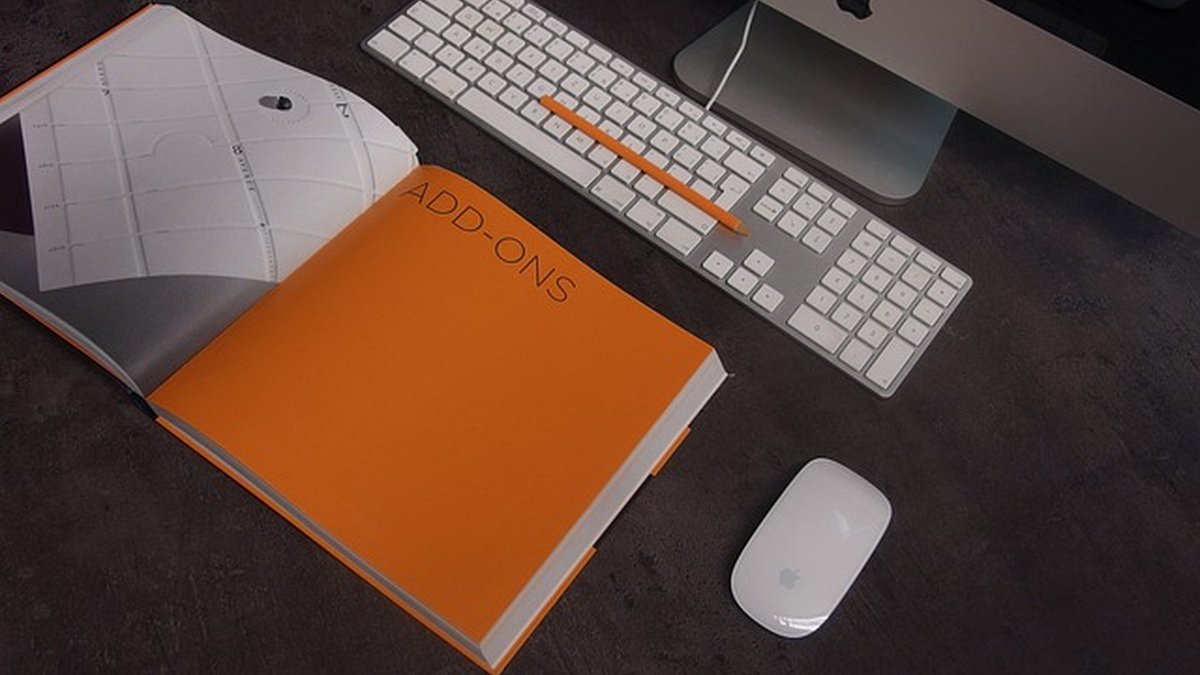
Simple guide to decluttering home office
Decluttering is not decoration. It is removal of friction between intention and work output. The following rapid system reduces decision fatigue.
Quick declutter checklist
- Remove everything from the surface and categorize with three bins.
- Keep only items used daily on the desk.
- Place cables, chargers, and adapters in a labeled drawer organizer.
- Scan paper and store digitally; keep one physical inbox for urgent items.
Storage rules for a minimalist aesthetic
- Rule of three visible items: monitor, keyboard, one plant or lamp.
- Use consistent containers and neutral tones to reduce visual noise.
- Vertical organizers free up surface area without hiding accessibility.
Maintenance routine (10 minutes daily)
- End-of-day reset: clear the desk, empty the inbox, and close tabs beyond work scope.
- Weekly audit: remove items that were not used in seven days.
Adaptable time-blocking routines for home office
Time-blocking turns a minimalist environment into a productivity machine. Blocks reduce context switching and make the environment a cue for behavior.
Basic block template (90–120 minutes deep blocks)
- Block A: deep focus (90 minutes), silence notifications, physical do-not-disturb sign.
- Block B: collaborative/meetings (45–60 minutes), camera on zone, meeting kit within reach.
- Block C: admin/processing (30–45 minutes), email, scheduling, quick tasks.
- Micro-breaks: 5–10 minutes every 60–90 minutes to reset posture and vision.
Adaptation for different professions
- Programmers: two deep blocks (morning, afternoon) and one bug triage block.
- Creatives: morning ideation block, afternoon execution block, short review sessions.
- Client-facing roles: one prep block, contiguous meeting windows to batch context switching.
- Use physical cues: lamp on = deep work; lamp off = no expectation of immediate reply.
- Automate status: calendar blocks set presence and shared availability.
- Use single-task timers (Pomodoro or 52/17) when attention is fragile.
Best ergonomic minimalist desk for small spaces
Small spaces require trade-offs but not compromise on ergonomics.
Criteria for the best compact ergonomic desk
- Adjustable height (sit-stand) to alternate posture.
- Depth of at least 24 inches (60 cm) to ensure monitor distance.
- Cable channel and modesty panel for tidy routing.
- Sturdy surface with minimal visual profile.
Recommended options (compact models compared)
| Model |
Width |
Height adjustment |
Price range |
Best for |
| Compact sit-stand A |
42 in |
25–50 in |
$250–$450 |
Single monitor, standing |
| Wall-mounted fold desk B |
36 in (folds) |
fixed / adjustable leg |
$120–$300 |
Tiny apartments, occasional standing |
| Narrow corner desk C |
48 in corner |
fixed or adjustable |
$180–$420 |
L-shaped workflows in small rooms |
Notes: Prices vary by retailer. For rigorous ergonomic recommendations, refer to OSHA: OSHA.
Buying checklist for small spaces
- Confirm monitor clearance when standing and seated.
- Verify keyboard tray ergonomics or choose an adjustable keyboard platform.
- Confirm cable routing options.
- Choose neutral finishes to visually enlarge the space.
How to stop distractions in home office
Stopping distractions requires addressing both external and internal cues.
Physical interventions
- Create a defined zone with a visible boundary (rug, shelving, or screen).
- Use acoustic panels or a bookshelf to dampen noise. White-noise machines reduce interruption impact in shared homes.
- Keep the door policy clear: closed for deep blocks, open for collaboration windows.
Digital interventions
- Set device focus modes tied to calendar events.
- Use app blockers for social apps during defined blocks.
- Centralize communications to two platforms; avoid email + multiple chat apps.
Behavioral strategies
- Signal state with a visible object (lamp, sign) to indicate focus mode.
- Schedule predictable communication windows so colleagues do not expect immediate replies.
- Practice shallow work batching: reserve faster, lower-attention tasks for buffer times.
Visual examples and product comparison
A compact comparison makes trade-offs explicit. The table above highlights typical models and fitting use cases for small spaces. When choosing furniture, prioritize ergonomics and cable management over trend-driven design.
Setup timeline: achieve a minimalist workspace in one weekend
Day 1, Prep & measure
📏 Measure space → 🗂 Categorize items → 🗑️ Remove clutter
Day 2, Install & optimize
🪑 Assemble desk & chair → 💡 Set lighting → 🔌 Route cables
Week 1, Test & refine
⏱️ Track focus blocks → 🔄 Adjust layout → ✅ Finalize routines
Advantages, risks and common mistakes
Benefits / when to apply ✅
- Faster setup and lower maintenance for remote or hybrid workers.
- Clear sensory environment that supports sustained attention.
- Scales from small apartments to dedicated rooms by applying the same principles.
Errors to avoid / risks ⚠️
- Prioritizing visual minimalism over ergonomic needs (leads to fatigue).
- Hiding too many frequently used items, which increases task friction.
- Over-automation of notifications that cause missed urgent items.
Frequently asked questions
How to set up a minimalist home office step by step?
Follow the eight-step process above: define work modes, measure the space, choose ergonomic furniture, declutter with three bins, set lighting, manage cables, set device rules, and iterate for one week.
What is the best desk height for a minimalist setup?
Desk height should put elbows at roughly 90 degrees while typing. For many people, that is 28–30 inches seated, but adjustable desks allow precise fitting—see OSHA guidance: OSHA.
How to declutter a home office quickly?
Use the three-bin method (Keep, Store, Discard), limit visible desktop items to three, and scan paper into digital storage during the first session.
What lighting settings support focus in a home office?
Aim for 300–500 lux at desk level. Use cooler color temperatures (4000–5000K) for alert daytime work and warmer tones in evening. See NIOSH lighting tips: NIOSH.
How to stop distractions when working from home?
Create a physical boundary, use a visible focus signal, batch communications, and use app-based blockers during deep work blocks.
Which compact desk is best for a one-monitor setup?
A 42–48 inch sit-stand desk with a depth of at least 24 inches is ideal. Prioritize height adjustability, cable channels, and sturdy construction.
How long before a minimalist setup shows productivity benefits?
Subjective improvements often appear in days; measurable gains in focus and task throughput typically emerge within one to two weeks after habit and environment stabilization.
Your next step:
- Measure the workspace and define two core work modes to prioritize.
- Execute the three-bin declutter and assemble the essential desk and chair.
- Schedule two ninety-minute deep work blocks this week and enforce a visible focus cue.
